6 Best WordPress Translation Plugins
WordPress translation plugins can serve two different jobs:
-
Translating the interface strings supplied by a theme or plugin: buttons, settings, notices, checkout labels, and other text stored in WordPress translation files, e.g. when your website is localized.
-
Building a multilingual website with translated posts, pages, products, URLs, and a language switcher.
Those jobs overlap, but the tools are not interchangeable. For example, Poedit and Loco Translate are primarily for theme and plugin strings. WPML, TranslatePress, Polylang, and Weglot are broader systems for multilingual site content.
WordPress Translation Plugins and Tools at a Glance
| Tool | Best for | What it translates | Where it runs |
|---|---|---|---|
| Poedit | Theme and plugin translation | WordPress translation files and interface strings | Connected app; no WordPress plugin needed |
| Loco Translate | Editing theme and plugin strings in WordPress | WordPress core, theme, and plugin translation files | WordPress plugin |
| WPML | Complex multilingual sites and WooCommerce | Posts, pages, products, theme and plugin strings | WordPress plugin suite |
| TranslatePress | Visual front-end translation | Visible site content, metadata, URLs, and interface text | WordPress plugin |
| Polylang | Lightweight, manually managed multilingual sites | Posts, pages, taxonomies, menus, media, and URLs | WordPress plugin |
| Weglot | Fast automatic whole-site translation | Front-end website content and metadata | WordPress connector plus hosted service |
1. Poedit - Best for Translating WordPress Themes and Plugins
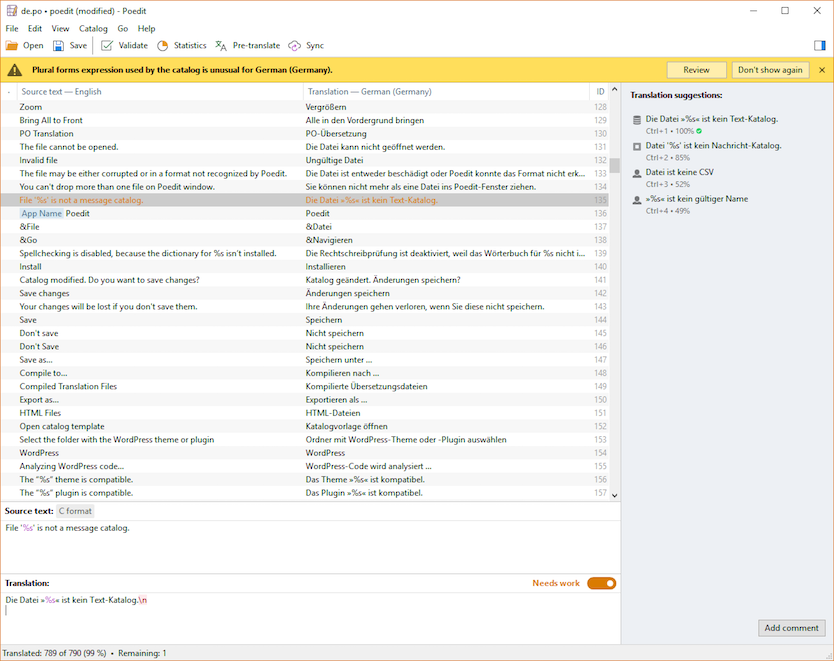
Poedit for WordPress is the original PO file editor and a widely used desktop translation editor. For WordPress, it is the best fit for translating PO files belonging to a theme or plugin rather than posts and pages.
It’s not a WordPress plugin, but that’s actually an advantage: it’s only running when it’s needed: it connects to the WP site via FTP or SFTP, does its job, and disconnects. There is no plugin to keep running on the site and consume resources.
Poedit connects directly to a WordPress installation, finds the relevant theme or plugin, and works with the standard translation files WordPress uses. It can create or update the translations when the source changes and saves the compiled files WordPress needs.
The app editor is built for fast translation work, with keyboard-friendly navigation, translation memory, clear source and translation fields, plurals, and WordPress-specific handling. Its advanced pre-translation protects WordPress placeholders such as %s and %1$s, as well as HTML and other non-translatable structure, and ensures that automated translation does not break them. Poedit provides built-in translation services and also supports your own DeepL or OpenAI API keys for unlimited volume.
Best for: Translators, site owners, and WordPress developers translating theme and plugin interface strings.
Pricing: Poedit is a tool and is licensed as such: to the user, rather than per WordPress site or translated string. The same license can be used to translate any number of sites, themes, plugins, and files. Free version available; Pro is a one-time purchase; Pro+ is an annual subscription and supports your own DeepL or OpenAI API key. See Poedit’s pricing.
Main limitation: Poedit does not turn posts, pages, products, or menus into multilingual site content, and it does not create language-specific URLs or a language switcher.
2. Loco Translate - Best for Editing Translation Files in WordPress Admin
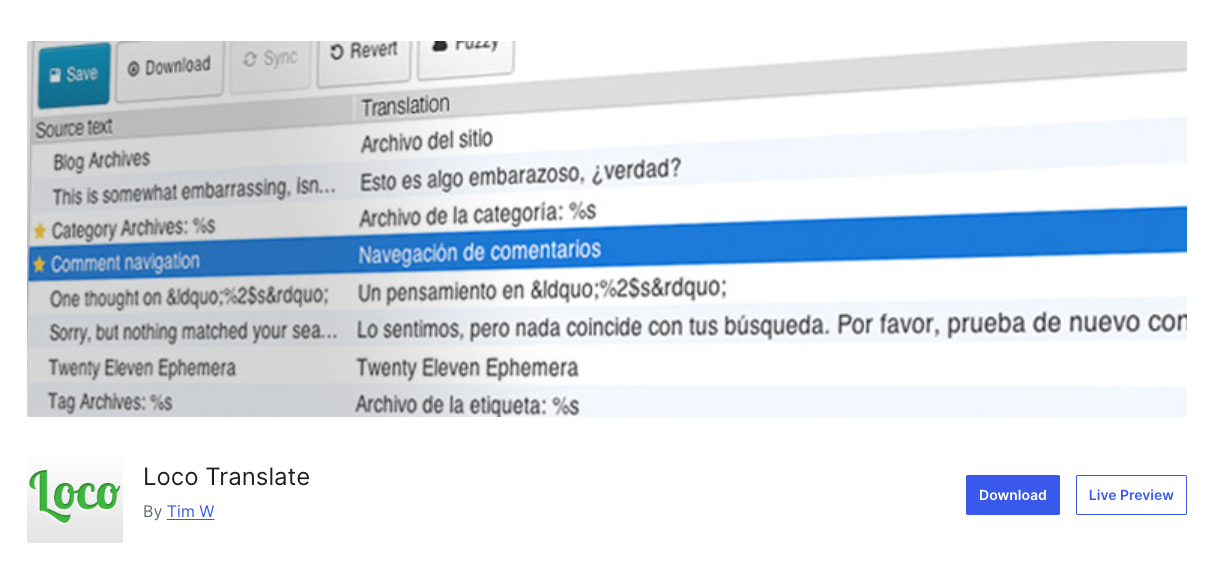
Loco Translate is the closest in-browser option for the same core job as Poedit. Its free WordPress plugin provides a PO editor in the dashboard, extracts strings from themes and plugins, synchronizes translations with source code, and compiles MO and JSON files.
Keeping the editor inside WordPress is convenient for quick manual changes. The tradeoff is that translation tooling runs on the WordPress server, and any machine-translation API keys are configured there as well. Automatic translation uses third-party services and their charges; it is not included as an unlimited service with the free plugin.
Loco’s own documentation notes that translation APIs can return broken formatting, including %s placeholders or HTML. It tries to detect these failures, but describes the checks as basic and not infallible. That matters when pre-translating software strings rather than ordinary prose.
The optional Loco hosted service is separate from the free WordPress plugin. It is priced by the number of stored translations, where each source string translated into one language counts as a translation.
Best for: Site administrators who want to edit theme and plugin translation files entirely inside the WordPress dashboard.
Pricing: Free for manual editing. The separate Loco cloud service charges by stored translation - one source string translated into one language - so its cost scales with text size and language count.
Main limitation: Loco Translate edits localization files. It is not a system for translating posts and pages or managing multilingual URLs.
3. WPML - Best for Complex Multilingual WordPress Sites
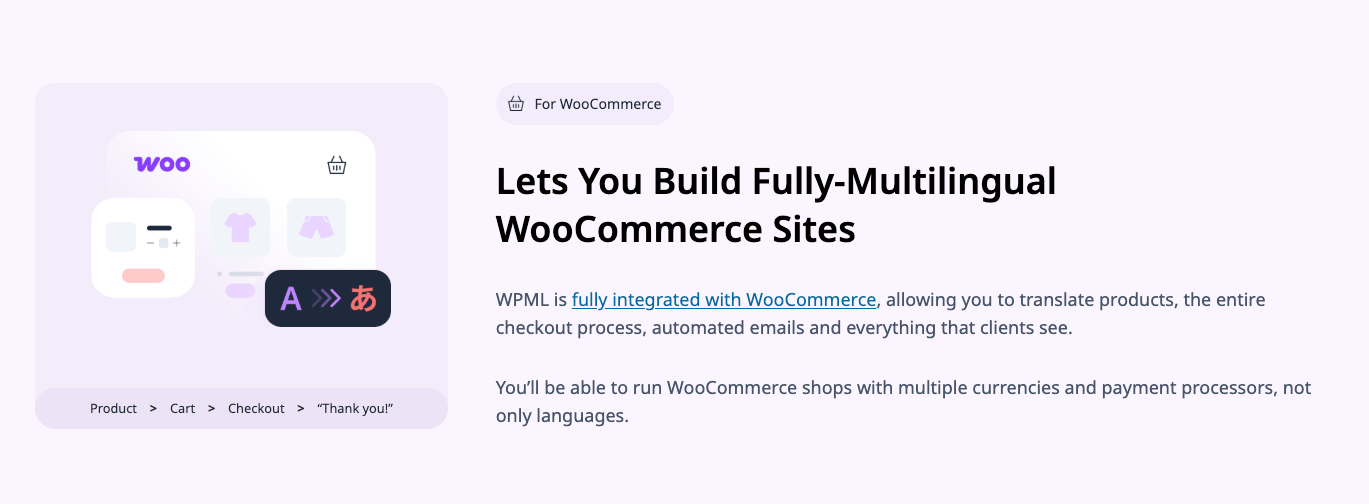
WPML is a full multilingual content system rather than a dedicated theme and plugin translation editor. It covers posts, pages, custom post types, taxonomies, menus, page builders, and WooCommerce products, while its String Translation component handles text from themes and plugins.
That breadth makes WPML a strong choice for a substantial multilingual business or ecommerce site. It also means more moving parts than a focused string editor: WPML is a suite of plugins with its own translation workflow, content relationships, and automatic-translation credit system.
The entry-level Blog plan handles basic multilingual content, but it does not include String Translation, WooCommerce support, Translation Management, or automatic translation. For most serious sites, the relevant comparison is the Multilingual CMS plan.
Best for: Content-heavy, multilingual WordPress sites that need structured translation management and WooCommerce support.
Pricing: Relatively high for string translation alone. WPML charges an annual license by number of sites; String Translation and automation require the higher tiers, and automatic translation consumes additional credits.
Main limitation: WPML is excessive if the only task is translating a theme or plugin’s interface strings.
4. TranslatePress - Best Visual WordPress Translation Plugin
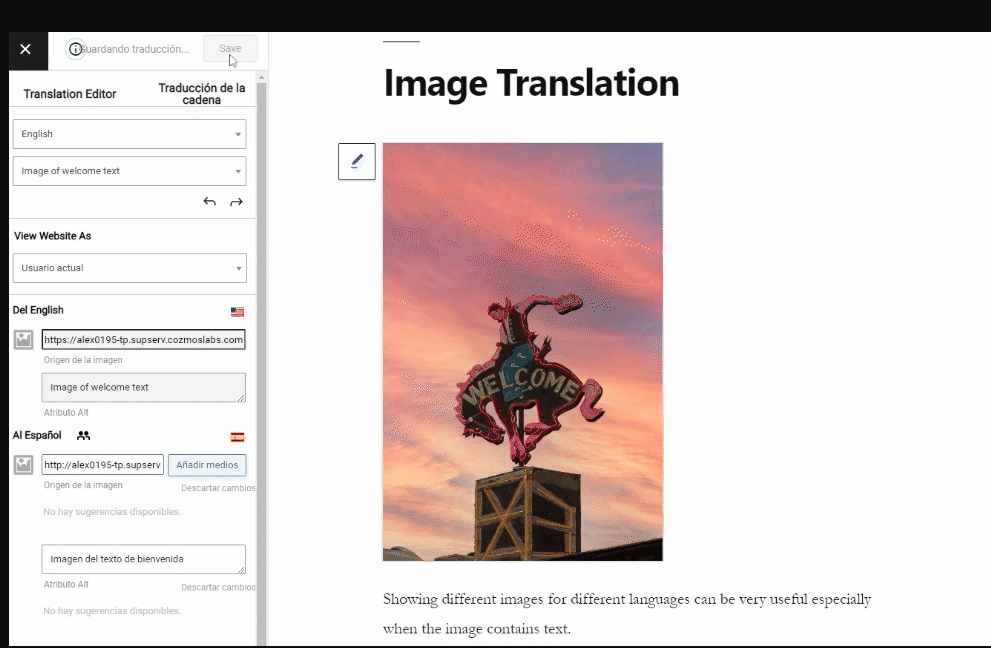
TranslatePress lets you translate a site from a visual front-end editor. You navigate the rendered page, select visible text, and enter its translation while seeing the result in context. This is easier to understand than a string table when the main job is translating marketing pages and other site content.
Its premium plans add multilingual SEO features, URL slug translation, multiple languages, and automatic translation allowances. Existing translations are stored in the WordPress database and continue to work if the license expires, although premium updates, support, and services stop.
TranslatePress can pick up strings rendered by themes and plugins, but its page-oriented workflow serves a different purpose from maintaining complete theme or plugin translation files for distribution.
Best for: Site owners who want to translate visible pages in context and manage multilingual SEO without duplicating content manually.
Pricing: Midrange. TranslatePress charges annually per site, with finite automatic-translation word allowances and additional paid usage beyond them.
Main limitation: It is designed around rendered website content, not around producing and maintaining complete PO files for themes or plugins.
5. Polylang - Best Lightweight Multilingual Content Plugin
Polylang adds languages to WordPress while staying close to the normal WordPress content model. Editors create language versions of posts, pages, categories, tags, menus, and media, and Polylang connects those versions and provides language switchers and multilingual URL structures.
The free version covers the foundations of a manually managed multilingual site. Polylang Pro adds features including translated URL slugs, synchronization, XLIFF import and export, and DeepL integration using your own API key. WooCommerce requires a separate add-on or the Business Pack.
Polylang is a good fit when editorial control and a relatively conventional WordPress workflow matter more than a fully automated translation pipeline.
Best for: Smaller multilingual sites whose editors are comfortable managing a separate WordPress item for each language.
Pricing: Low for a basic manually translated site. The core plugin is free; Pro is licensed annually per site, WooCommerce costs extra, and automatic translation uses your own DeepL account.
Main limitation: It requires more manual content management, and WooCommerce support is not included in the base Pro price.
6. Weglot - Best for Fast Hosted Website Translation
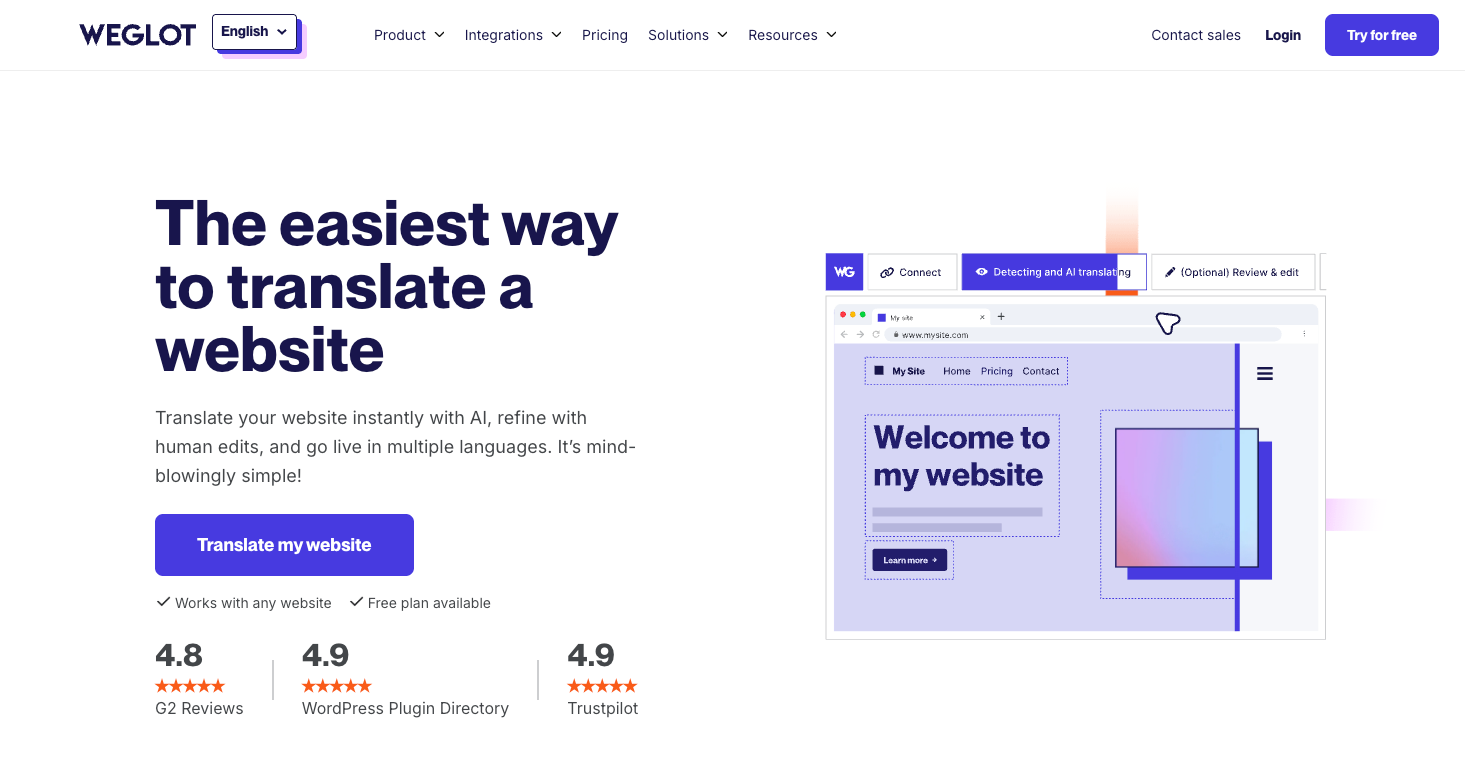
Weglot combines a lightweight WordPress connector with a hosted translation service. It detects content from the rendered site, creates an initial automatic translation, serves language-specific versions, and provides an online dashboard for editing them.
This is the fastest route in the list to putting a whole site online in another language. It also has the clearest service dependency: translated word and language limits determine the subscription tier, and the multilingual delivery depends on the Weglot service remaining active.
Because it works at the website level, Weglot is well suited to businesses that value rapid deployment and low initial setup. It is not a tool for producing WordPress PO files or shipping translations with a theme or plugin.
Best for: Businesses that want a whole WordPress site translated quickly and accept a continuing hosted-service subscription.
Pricing: Potentially high at scale. Weglot is a continuing hosted-service subscription priced by the site’s total translated word count and number of languages.
Main limitation: Cost rises with the size of the site and number of languages, and translated delivery remains tied to the hosted service.
Which WordPress Translation Tool Should You Choose?
Choose Poedit when you need to translate a WordPress theme or plugin and want a fast, purpose-built translation editor without installing another plugin on the site. To see how the connected theme and plugin workflow works, read about WordPress translation with Poedit.
Choose Loco Translate for the same category of strings when working inside the WordPress dashboard is the priority.
For posts, pages, products, language URLs, and switchers, choose a multilingual content system instead. WPML offers the broadest feature set for complex sites and WooCommerce; TranslatePress has the most direct visual workflow; Polylang suits a lighter and more manual setup; and Weglot offers the quickest hosted route to an automatically translated site.